

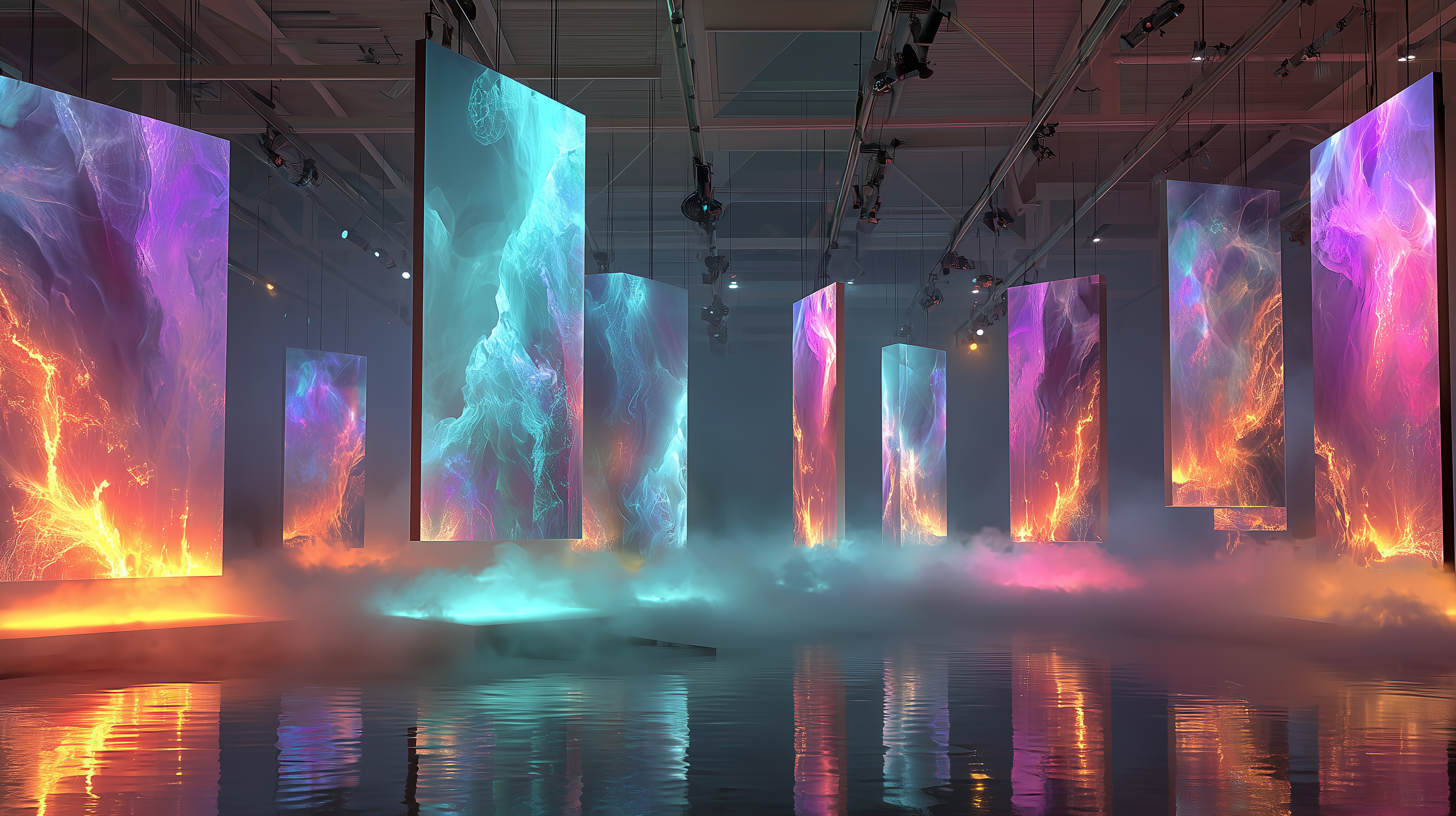
3D Exhibition Editor
ArtSpace Studio
Create. Light. Exhibit.
A browser-based 3D exhibition editor. Place artworks in immersive spaces, sculpt lighting, apply cinematic effects, and publish — all without leaving your browser.
ArtSpace Studio
Workflow
From upload
to exhibition.
Upload
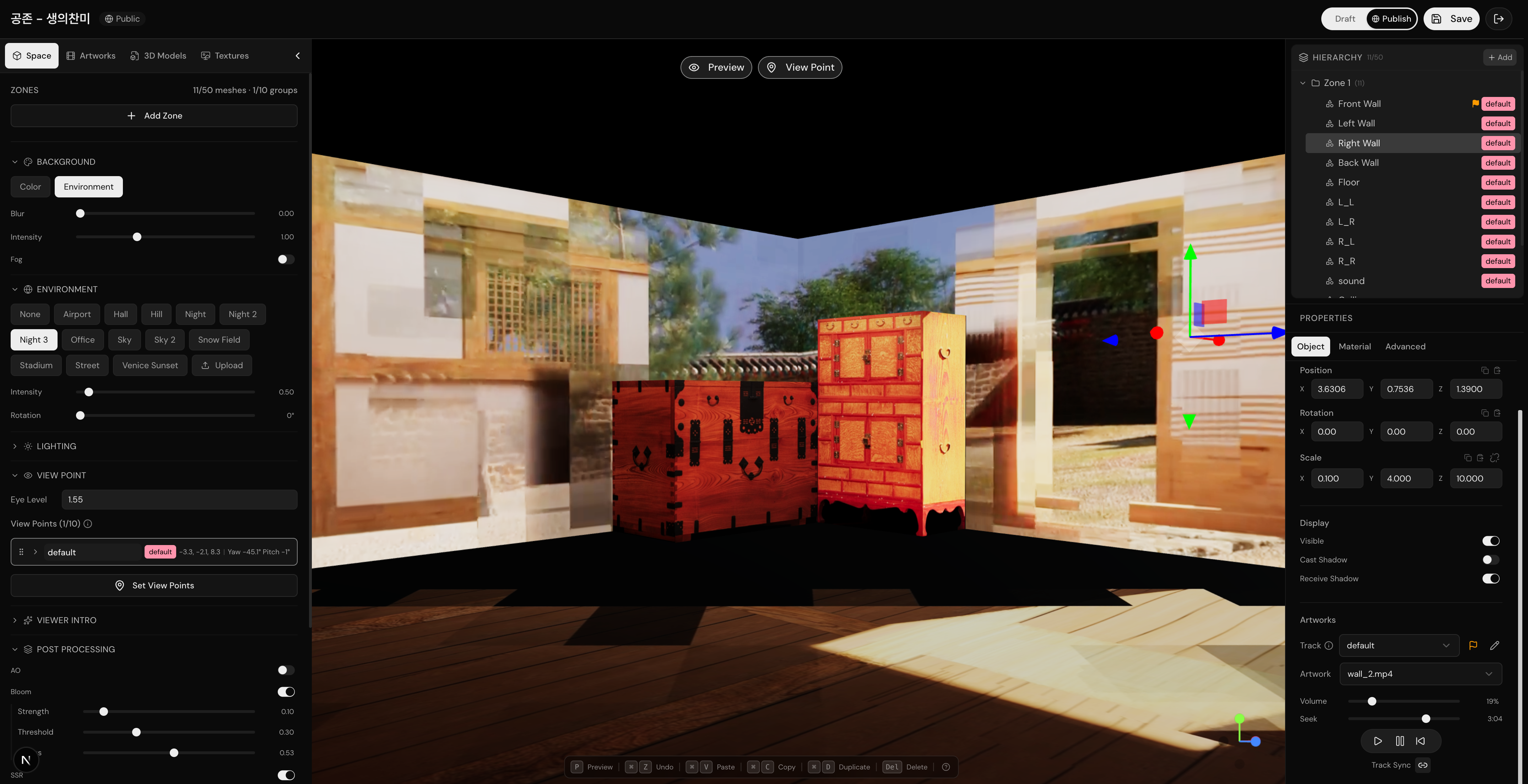
Upload videos, 3D models, and textures. Videos are automatically transcoded into adaptive HLS streams — playback begins in seconds.
Arrange
Place artworks on walls, position 3D models, and compose your exhibition layout with intuitive drag-and-drop controls.
Light & Style
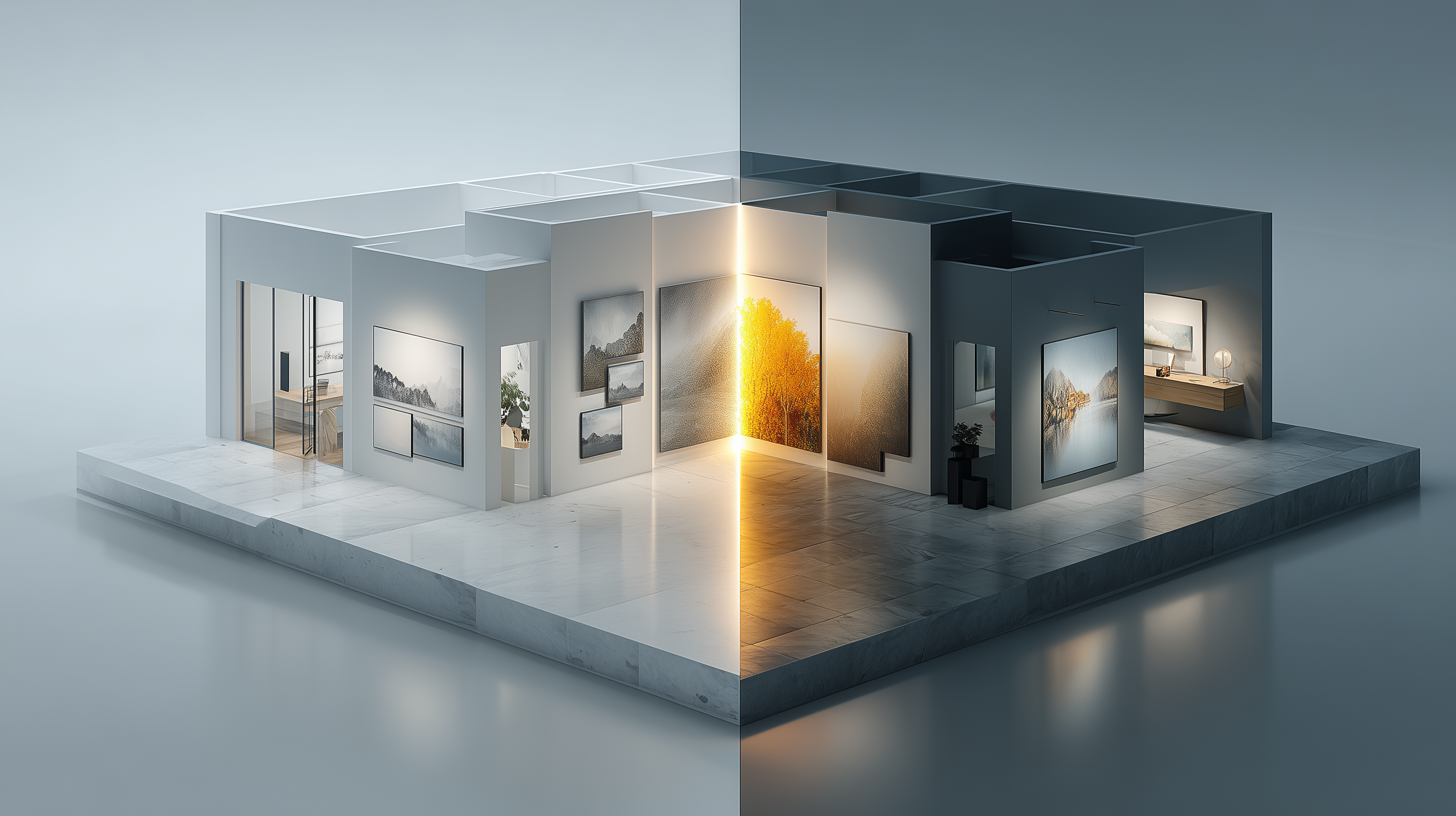
Add ambient, directional, point, and spot lights. Apply post-processing effects like Bloom, SSAO, and Vignette. Choose from 16 HDRI environments.
Publish
Set camera entrance animations and idle motions. Configure viewpoints, then publish your space to share with the world.
Key Features
Real-Time 3D Engine
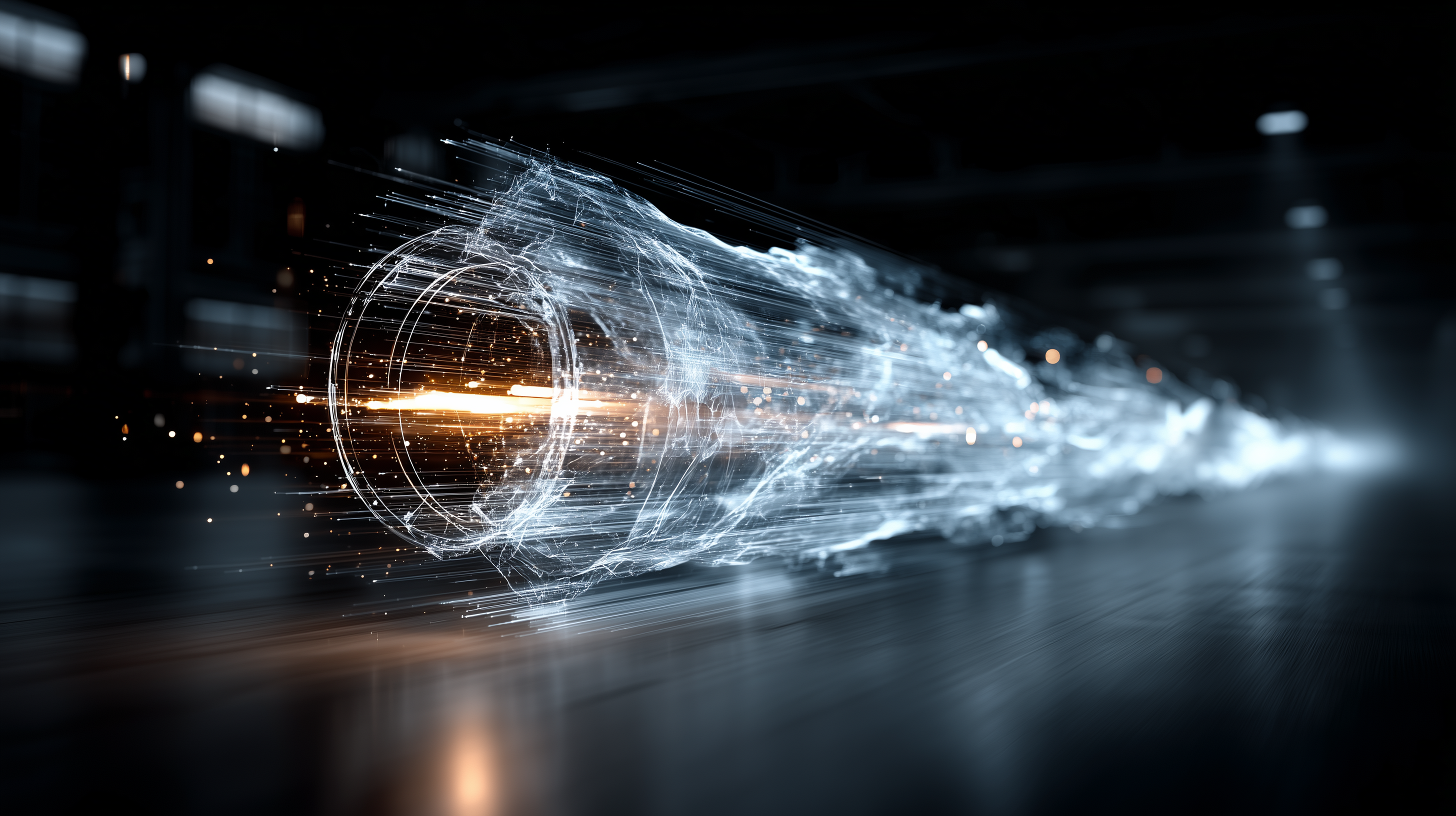
Built on Three.js and WebGL. Render complex scenes with dozens of meshes, models, and video textures at 60fps directly in the browser.
Post-Processing Pipeline
Bloom, SSAO, Vignette, Tone Mapping, and more. Each effect is independently configurable to craft the perfect visual atmosphere.
HLS Video Playback
Spatial Adaptive Bitrate (SABR) manages video quality based on viewer distance. Multiple streams play simultaneously without bandwidth waste.
AI Thumbnail Generation
Generate exhibition-ready thumbnails with Gemini AI. Describe a scene or transform a reference image into a media art space visualization.
Cinematic Camera System
Crane, dolly, orbit, and breathing entrance animations. Configurable idle motions like sway and breathing keep the space feeling alive.
16 HDRI Environments
From sunset skies to studio lighting — choose preset environments or upload custom HDR/EXR files for complete control over ambient lighting.
Engine
Browser
WebGL 2.0 context
Three.js Engine
Scene graph + renderer
Post-Processing
Bloom, SSAO, Vignette
Camera System
Entrance + idle motions
Renderer
Three.js 0.181 + R3F 9
Models
glTF / GLB (DRACO)
Video
HLS.js adaptive streaming
State
Zustand + Undo/Redo
AI-Powered
Generate thumbnails
with AI.
Text-to-image
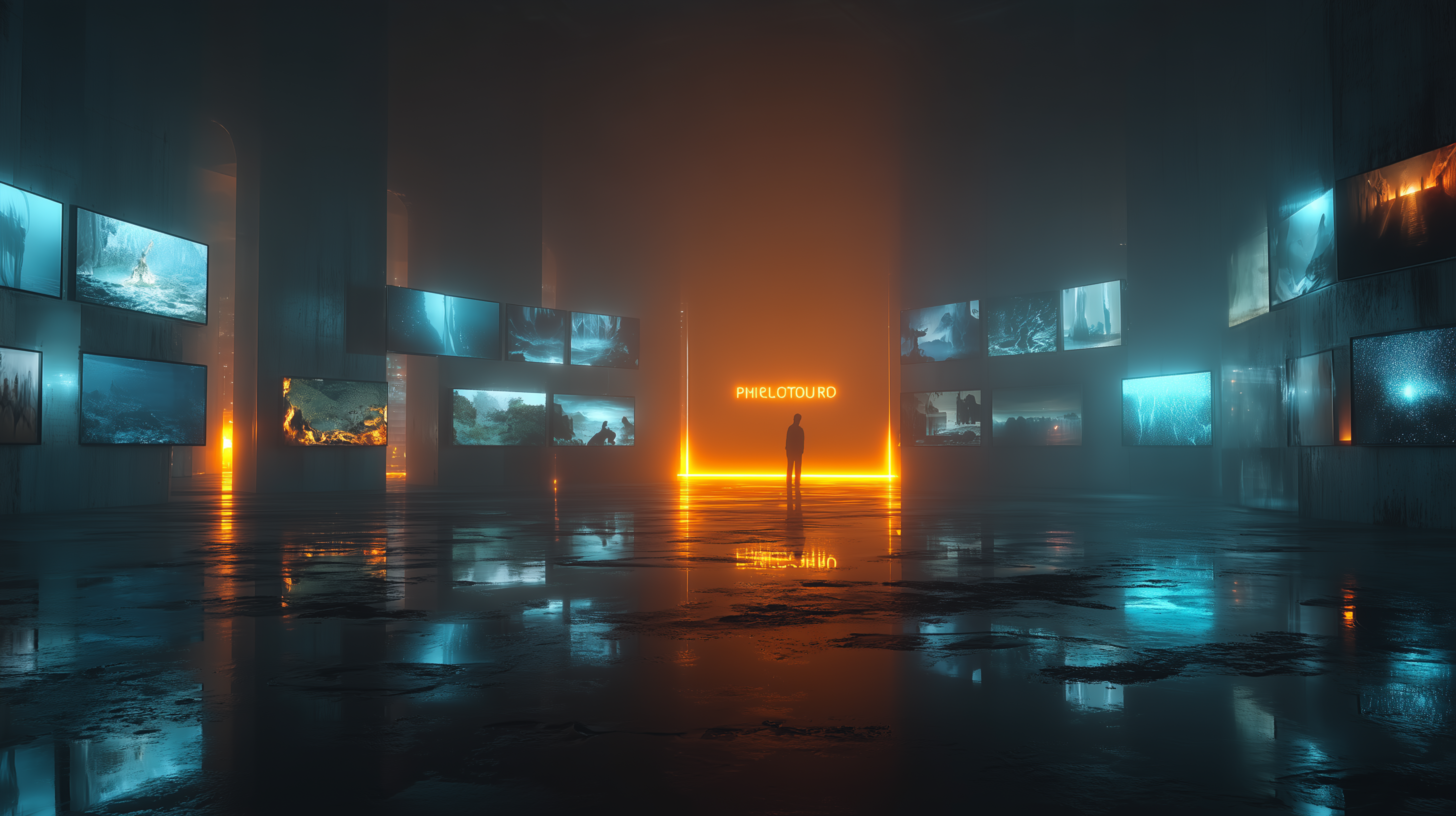
Describe a scene — LED screens in a dark gallery, neon-lit corridors, immersive projection rooms — and Gemini AI generates a 16:9 thumbnail instantly.
Image-guided generation
Upload a reference image of your artwork. The AI transforms it into a realistic exhibition scene — displayed on gallery walls, LED screens, or projection surfaces.
Prompt templates
Choose from curated templates designed for media art exhibitions — LED Media Art, Neon Gallery, Immersive Exhibition, and more.
AI Thumbnail Generator
"A dramatic media art exhibition space with large LED screens displaying vibrant digital art, cinematic lighting..."
Get Started
Build Your Exhibition
No installation required. Open your browser, upload your artworks, and create an immersive 3D exhibition in minutes.